
It's Free!!!
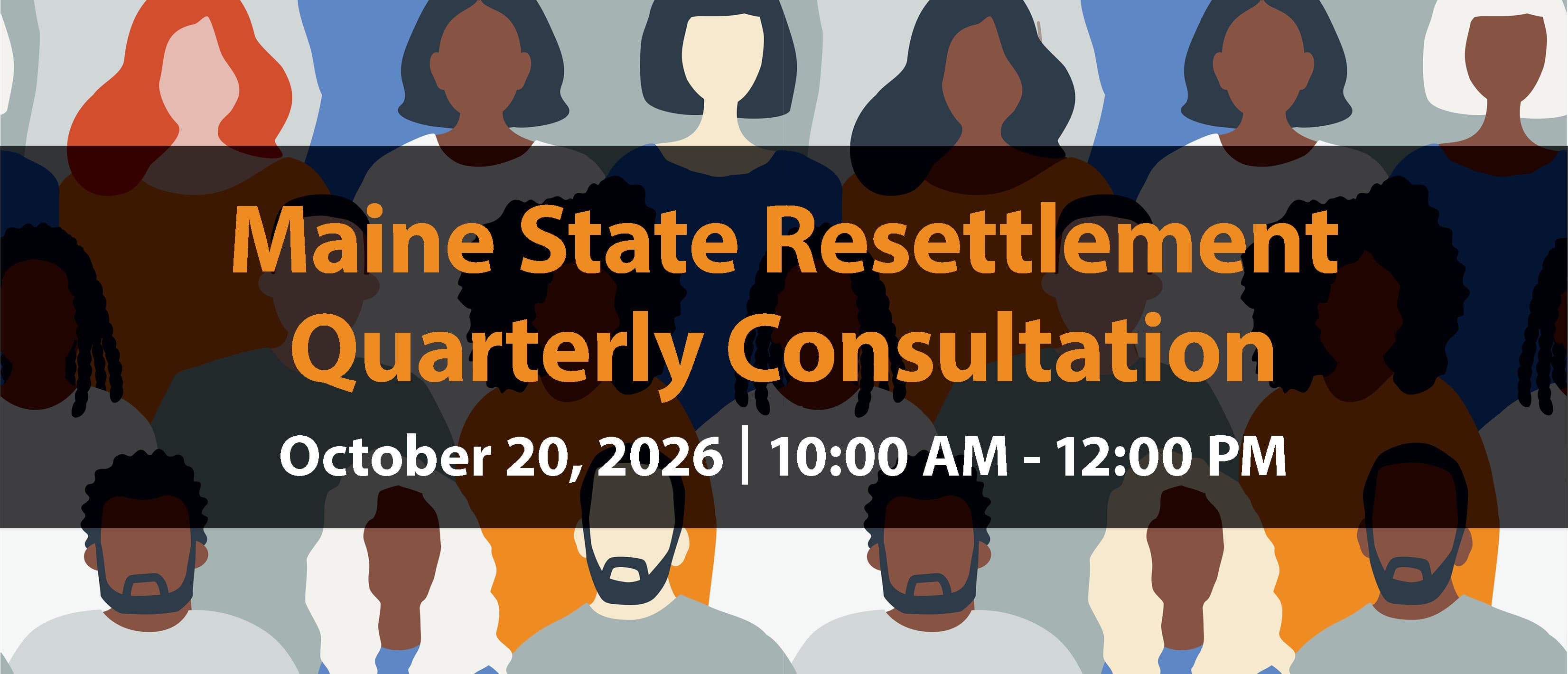
Looking Ahead at Fiscal Year 2027
and the
State-Centric Model
Start the new fiscal year up-to-date and strategically aligned with a summary of FY26 and an introduction to FY27!
SRQC FY26 Q4 Countdown
AGENDA AT A GLANCE
Click Here to Download the Detailed Agenda
OPENING Welcome Message from the Honorable Carl Sheline, Lewiston Mayor
I Updates with Inza Ouattara, State Refugee Coordinator
II Updates with Regina Angelo, State Refugee Health Coordinator
III Provider Updates
i MEIRS (Maine Immigrant & Refugee Services)
ii RIS (Refugee Immigrant Services)
IV Speaker(s)/Refugee Voices
i Immigrant Farming Researcher Presentation
ii ONA (Office of New Americans)'s Report
V Slido - Provider's opinion about State Centric Project
CLOSING Lunch / Networking
Frequently Asked Questions
It's Free!!!
Free parking will be available throughout Lewiston.
Exhibitor tables will be provided (please give advanced notice).
An executive summary and slides will be sent to all attendees.
Just re-register for the event. Your most recent registration will be the one counted.
After registering you will receive a confirmation e-mail from ccmaine.org <[email protected]> at the address you provided.
The contents of the e-mail will include a link to “Download the iCal file to add to your calendar.”
Click on the link, then find the iCal file in your Downloads folder and open it. This should open your default calendar enabling you to add the event.
Once you've added the event to your calendar you can open it to view the description. The Teams link will be at the bottom.
Kasia at [email protected]
Absolutely!!!
© 2026 Catholic Charities Maine
